Pentair Pool App

Pentair Home is Now Pentair Pool
It's the same great app with a new name and logo. You'll continue to enjoy the functionality you know and love with a modern, refined look. Your app will continue functioning as it always has — seamlessly and reliably!
Rule the Pool With Smart, Connected Pentair Products All in One Place
The Pentair Pool app and its range of connected products makes managing your pool easier than ever. Control your swimming pool system, monitor water chemistry, and access instant status updates from one easy-to-use dashboard on your smart device. Enjoy energy-efficient solutions and peace of mind with remote monitoring anytime, anywhere. With the Pentair Pool app, you can:
- Receive alerts sent directly to your phone and, if you choose, to your trusted pool professional.
- Monitor your connected Pentair pool devices remotely, 24/7, to ensure peak performance.
- Easily see when equipment or pool conditions need attention to avoid unnecessary and costly service calls.
FEATURED PRODUCTS
Pentair Pool Range of Connected Products
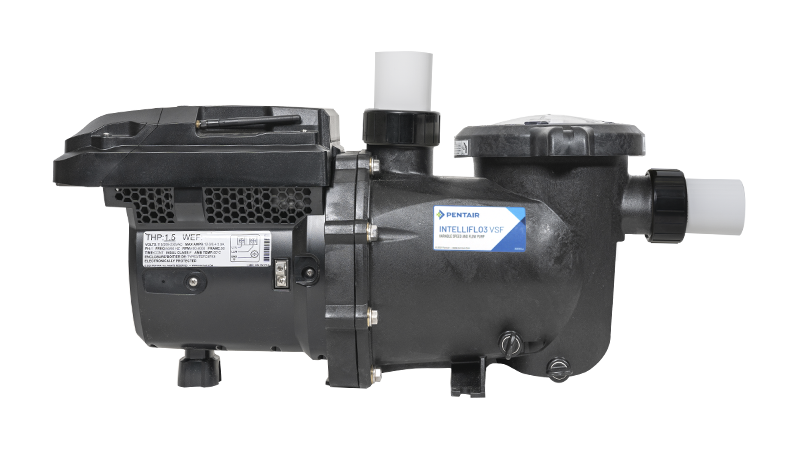
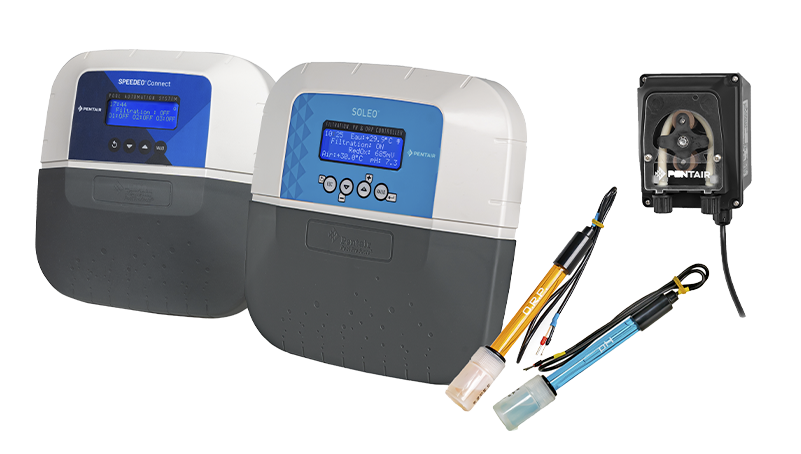
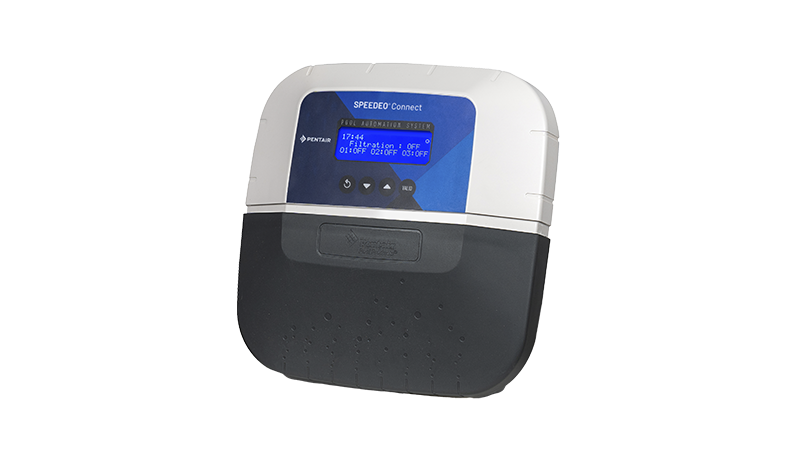
Peace of mind at your fingertips with simple smart phone control
Skilful control of your water treatment system, even from afar!
The right speed any time, from anywhere
APP FEATURES AND BENEFITS
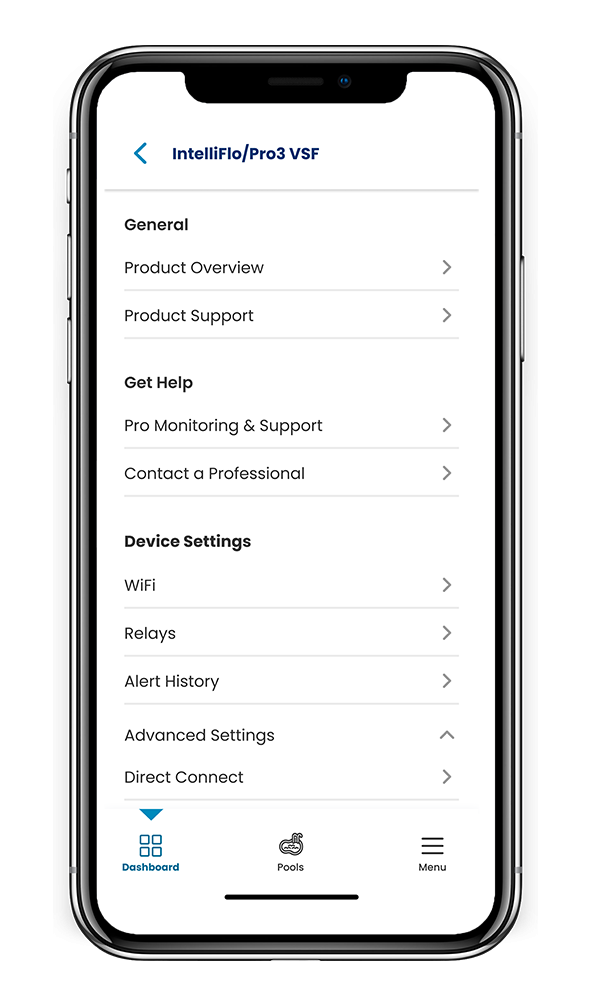
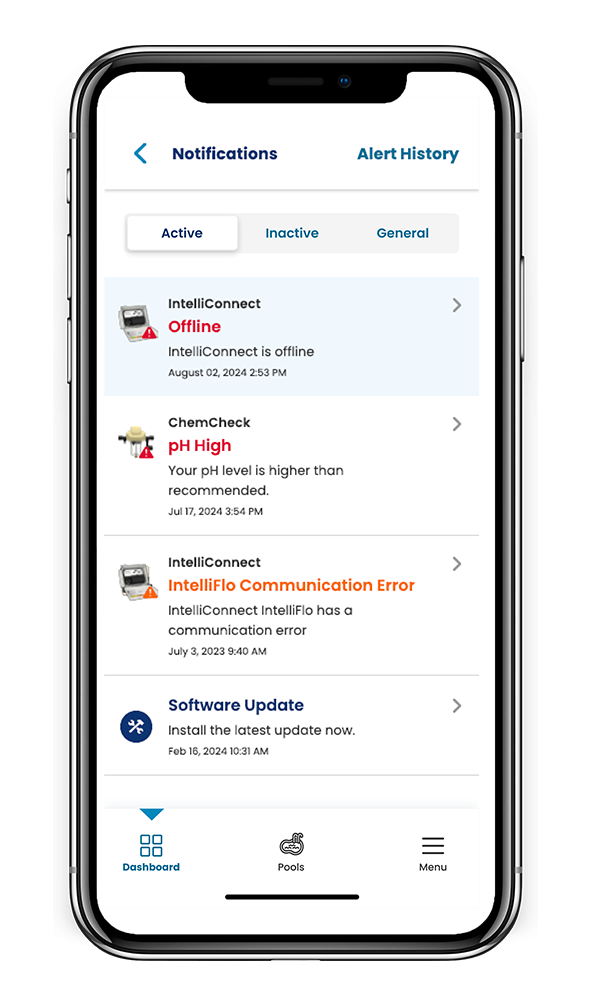
Peace of mind at your fingertips
Get instant status information and remotely monitor all of your connected Pentair water devices, home or away, 24/7
Systems checked;
you're good to go
Lets you know when equipment or a condition needs attention so you can avoid unnecessary and costly service calls
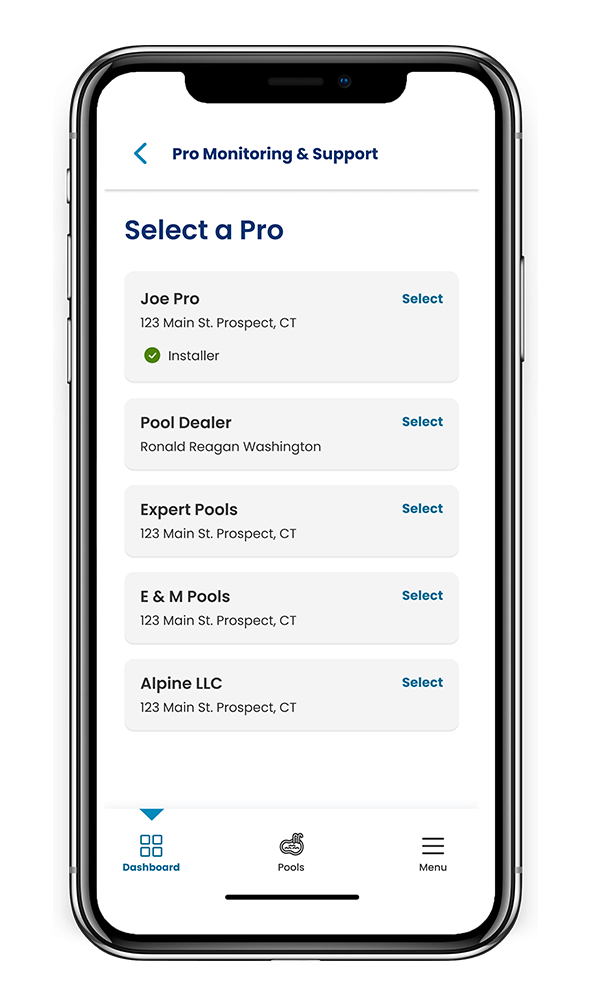
A helping hand when you need it
Connect with a trusted pool professional near you and receive tools, tips and tricks from Pentair to keep your water smarts on full
DOWNLOAD
THE APP NOW!


FREQUENTLY ASKED QUESTIONS
- How do I create an account in the Pentair pool app?
On the Log In screen, tap Sign Up to create a new account. Enter your email address and a strong password. Tap on the check box to agree to the Terms of Service. Watch this how-to video for a step by step walkthrough.
- How many users can I have on one account?
You can have only one email address on your account. Other persons in your household can use the same email address and password to access your account on other devices. There is no limit to the number of devices you can be logged in on.
- Why didn’t I receive an email after resetting my password?
Verify the e-mail address that you have listed on the account. Check your junk or spam folder for the e-mail. Try to reset the password again.
- Why do I get text messages but no email messages?
Your notification settings are likely set to text but not email. To confirm or change these settings, open your Pentair Pool app, go to Account and select Notifications.
- Can I download and use the Pentair Pool app and range of connected products if I live outside of Europe?
At this time, the Pentair Pool app and connected products are available in North America (USA, Canada & Mexico) and Europe. Please see specific information on the product pages in which you are interested, for more information.
- How do I find a dealer that sells Pentair pool connected products?
Pentair offers a range of connected pool products. Information on availability and where to buy differs by product. Where-to-buy information can be found on each product page.
- I’m having problems connecting my product to the Pentair Pool app. What should I do?
Please visit the support page for your specific Pentair connected device.
- How do I locate a professional to help me with my connected product?
If your product allows for remote monitoring, and this was not set up in your Pentair Pool app upon installation, you can search for a professional in your area to request monitoring of the product. Watch this how-to video to learn how to set-up remote monitoring.
You can also find a pool professional in your area by visiting the Dealer Locator available on pentairpooleurope.com or asking through the contact form
- Does the Pentair Pool app or range of connected products work with my smart home system? (i.e. Alexa, Google Home, etc**)
At this time, Pentair Pool and Pentair Pro are not integrated with other smart home devices, or connected via voice with at home assistants like Alexa or Google Home.
** Amazon Echo® and AlexaTM are trademarks and/or registered trademarks of Amazon Technologies, Inc. iOS® is a registered trademark of Cisco Technology, Inc.
- What measures are in place to secure my data?
First and foremost, in order to protect your account, we have built our sign up process to be simple but secure with mandatory email verification as well as mandatory strong password requirement. Also, any account changes, such as password reset, require confirmation codes that are sent to the user’s verified email. In addition to such user account level security measures, Pentair has structured the backend architecture to identify security threats and limit exposure.
ARE YOU A PRO?
There's an app for that! Get connected to your customers’ water and take your service model to the next level with Pentair Pro.
STILL HAVE QUESTIONS?
WE'VE GOT YOU.